 PeeTime
How do I install PeeTime on my Apple Watch?
By default, PeeTime automatically installs on your Apple Watch after installing on your iPhone. If it doesn't auto-install, open the Watch app → General → enable "Automatic App Install".
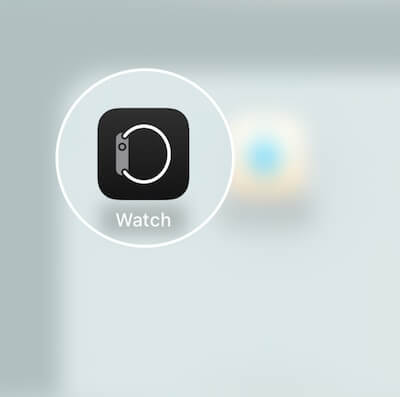
- Open the Watch app on your iPhone
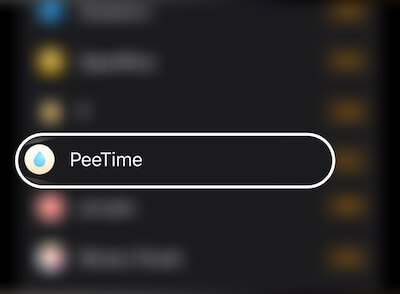
- Scroll down to find "PeeTime" and tap "Install"
Note: If you don't see PeeTime listed, your Apple Watch may be running an older version of watchOS. PeeTime requires watchOS 9 or later.